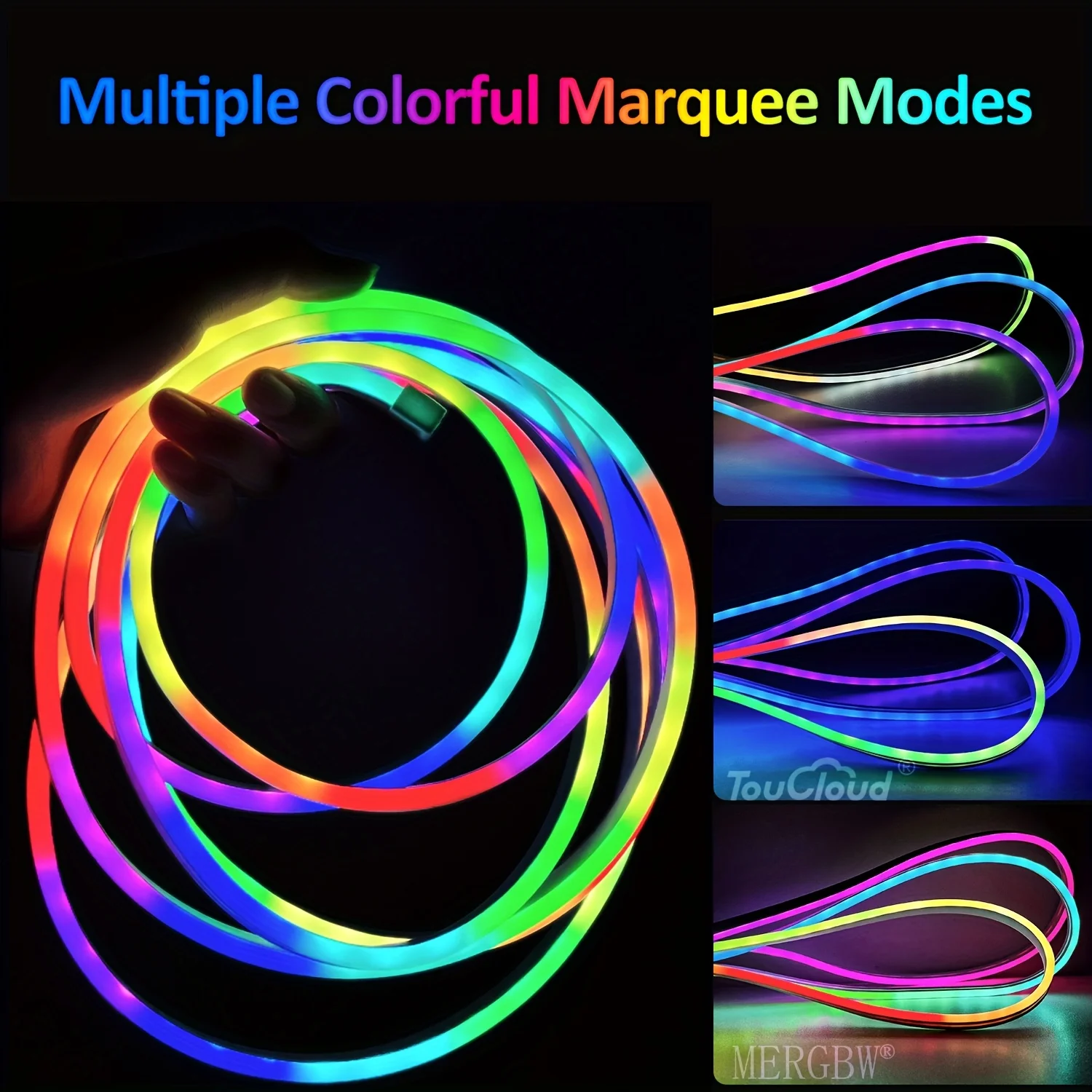
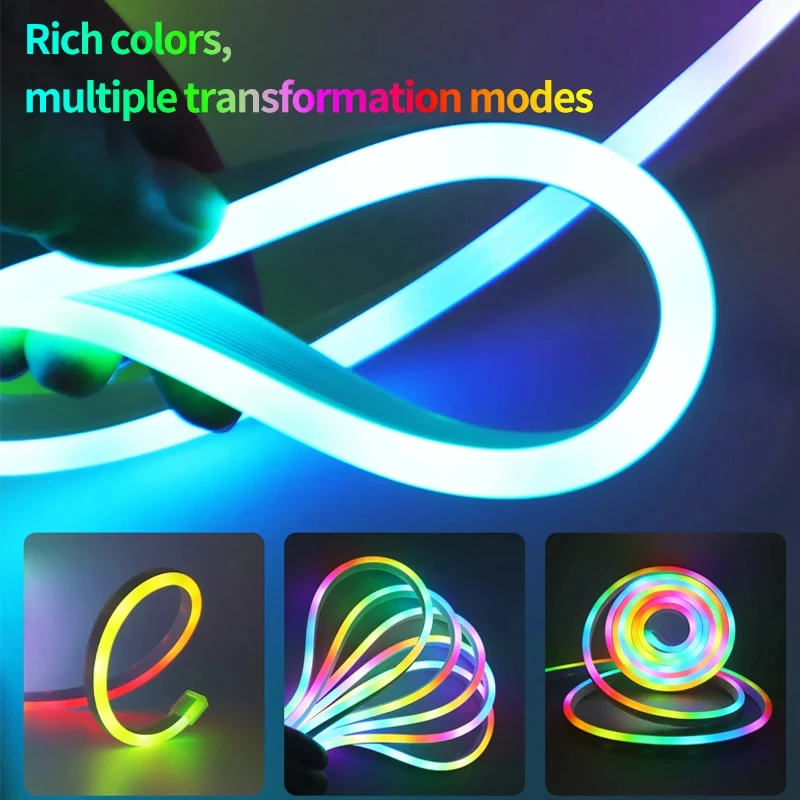
5V USB RGBIC Neon LED Strip Lights with Bluetooth APP Control Music Sync Waterproof Flexible Tape for Gaming Room Party Decor
$10.74
SPECIFICATIONS
Average Life (hrs): 50000
Brand Name: saimili
Certification: ce,EMC,ROHS,CE,RoHs
Choice: yes
High-concerned chemical: None
Is Batteries Included: No
Is Smart Device: Yes
Item Type: Strip
LEDs Number/M: Decoration Bedroom Kitchen Led Light Garlands Tv Backlight
Luminous Flux: 249-2000
Model Number: Led lights for room Usb Led Light Led Strip Christmas Lights
Origin: Mainland China
Power Generation: Always On
Power Source: DC
Voltage: 5V
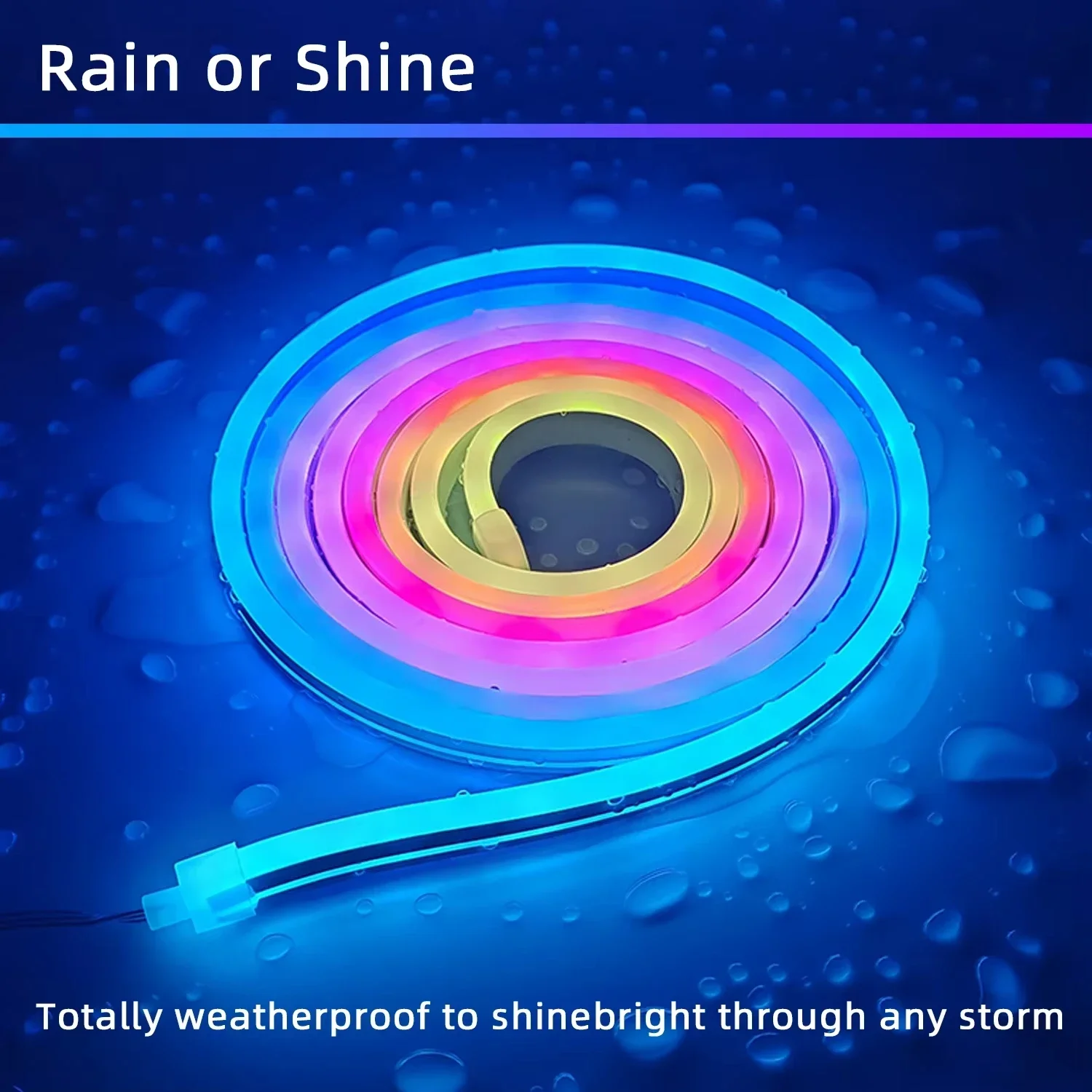
Waterproof: Yes
specifications
Type: RGBIC Neon LED beam
Working voltage: DC5V
Waterproof: Yes.
LED type: SMD 2835
Length: 1M/2M/3M/5M/10M
Lighting color: RGBIC (dream color)
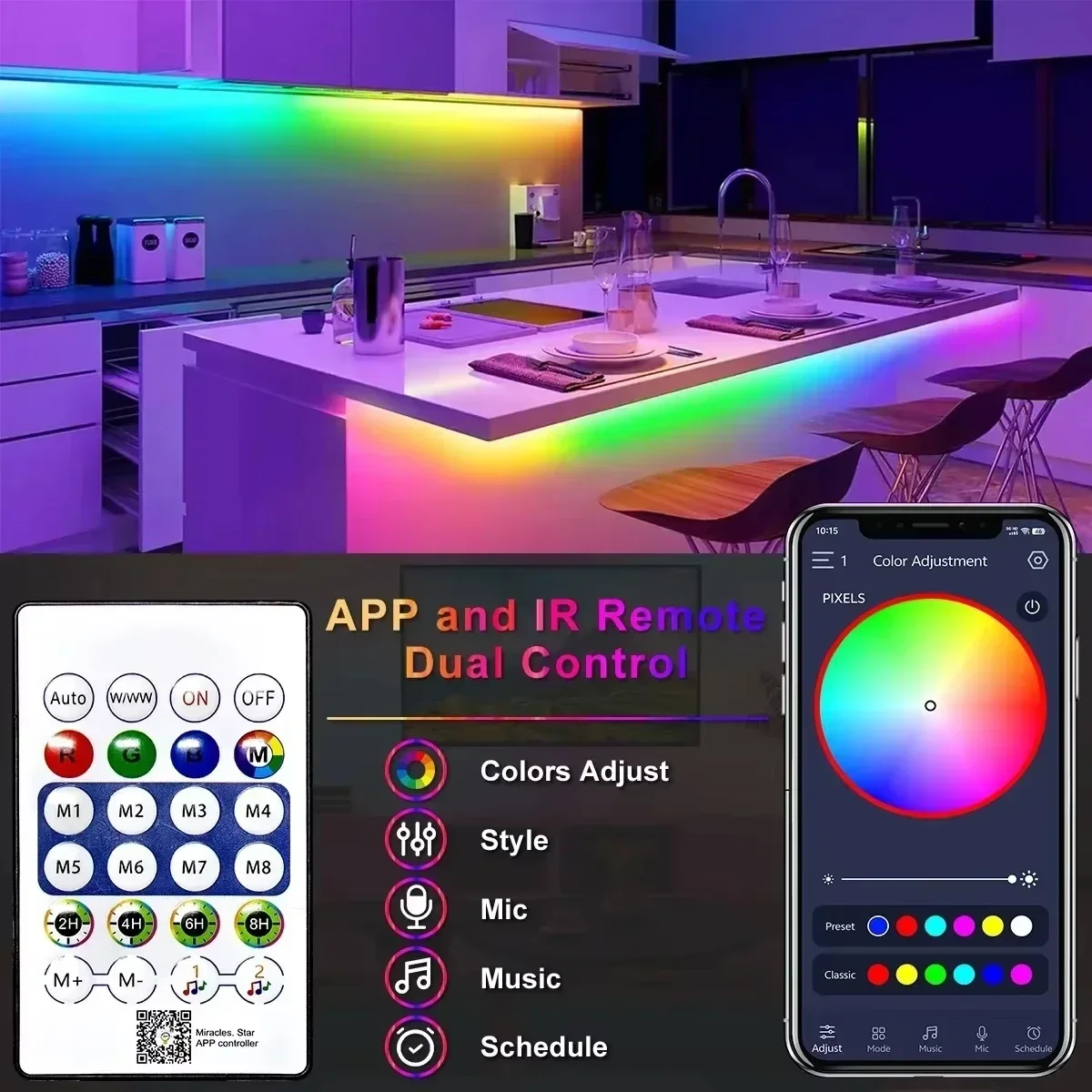
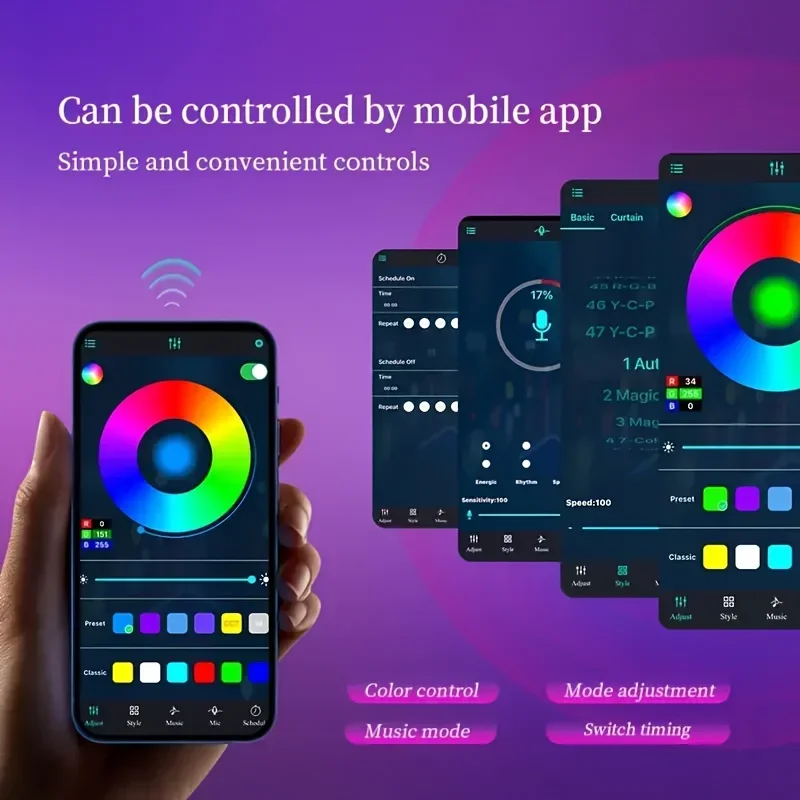
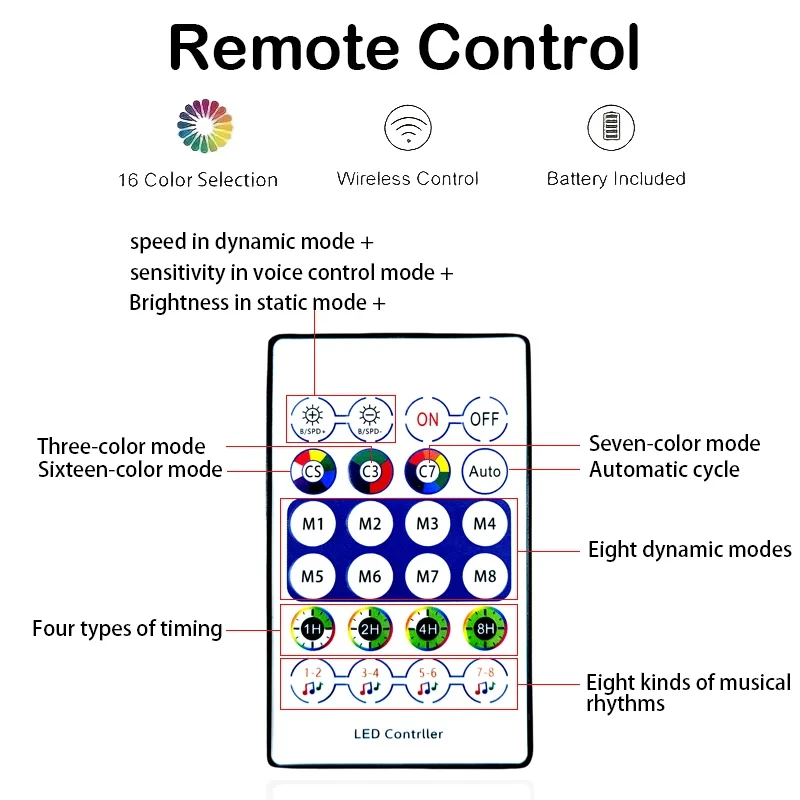
Control mode: Bluetooth/ remote control
Remote control: CR2025 (excluding battery)
Connecting step
1: Open the application
2: Press and hold the controller button, and the light bar will display a red light and flash.
3: Add a device with "+"in the upper right corner.
4: Select strip light (WI-FI)
4: Add WIFI connection (insert password)
5: The indicator light flashes normally, and then click Next.
6: Successfully connected
(Please note)
If you receive the product, it is part of a light bulb account that will not light up, please follow the following steps. This is not a question of product quality.
1. The first step is to find the settings home page, and then find PlXELS and click it.
2. After finding PlXELS, you will see a value box from 8 to 300. Click the value box and enter 300.
3. After entering 300 in the value box, just click the "Yes" button to finish.
Type: RGBIC Neon LED beam
Working voltage: DC5V
Waterproof: Yes.
LED type: SMD 2835
Length: 1M/2M/3M/5M/10M
Lighting color: RGBIC (dream color)
Control mode: Bluetooth/ remote control
Remote control: CR2025 (excluding battery)
Connecting step
1: Open the application
2: Press and hold the controller button, and the light bar will display a red light and flash.
3: Add a device with "+"in the upper right corner.
4: Select strip light (WI-FI)
4: Add WIFI connection (insert password)
5: The indicator light flashes normally, and then click Next.
6: Successfully connected
(Please note)
If you receive the product, it is part of a light bulb account that will not light up, please follow the following steps. This is not a question of product quality.
1. The first step is to find the settings home page, and then find PlXELS and click it.
2. After finding PlXELS, you will see a value box from 8 to 300. Click the value box and enter 300.
3. After entering 300 in the value box, just click the "Yes" button to finish.